The AgriBot Control application was built by Emmanuel Adu Donkor to increase agricultural production through the use of technology. He designed and developed an agricultural robot to help farmers improve efficiency, productivity, and sustainability in farming operations.
The journey began in his first year of senior high school, where he started researching how technology could be used to solve real agricultural challenges. By his final year (Year 3), he successfully concluded his research and organized a dedicated team to bring the idea to life. Despite limited funding and support, he worked closely with his senior high school teammates, demonstrating strong leadership, innovation, and determination.
This project was developed under the guidance and instruction of Mr. Francis Adjei, whose mentorship, technical advice, and continuous encouragement played an important role in shaping the research, development, and successful completion of the AgriBot system.
The AgriBot system integrates robotics, automation, sensors, and intelligent control software to support modern, technology-driven farming.
Application Menu Overview
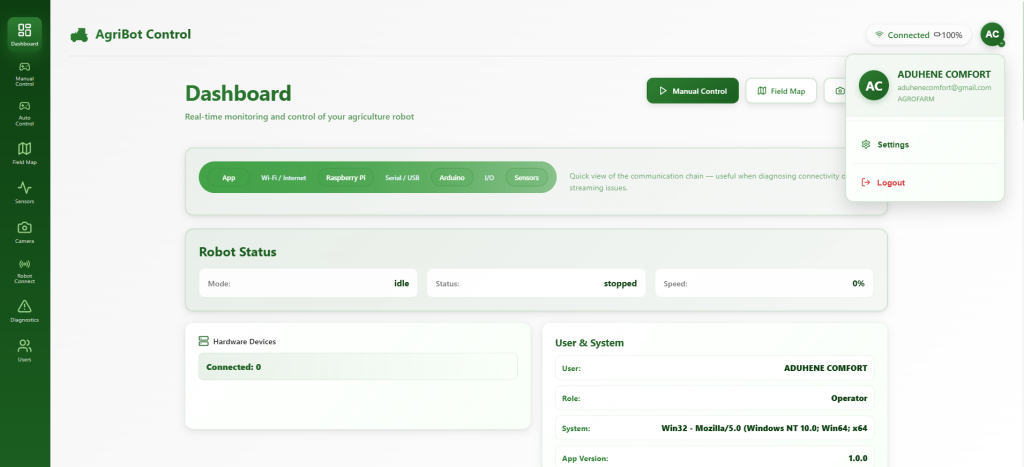
Dashboard
The Dashboard provides a quick overview of the AgriBot system. It displays important system information such as connection status, robot readiness, and operational summaries, allowing users to monitor the robot at a glance.
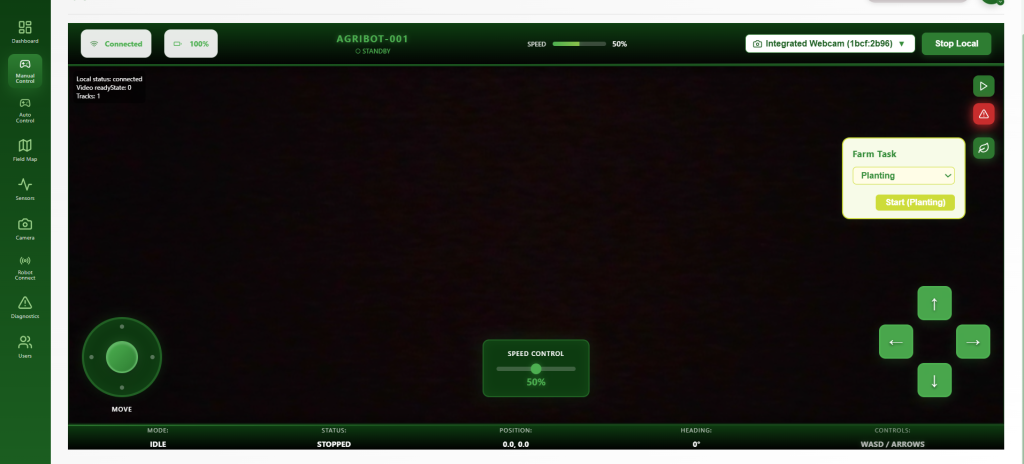
Manual Control
Manual Control allows users to directly operate the agricultural robot in real time. This mode is useful for testing movements, navigating difficult terrain, and performing hands-on control during setup or troubleshooting.
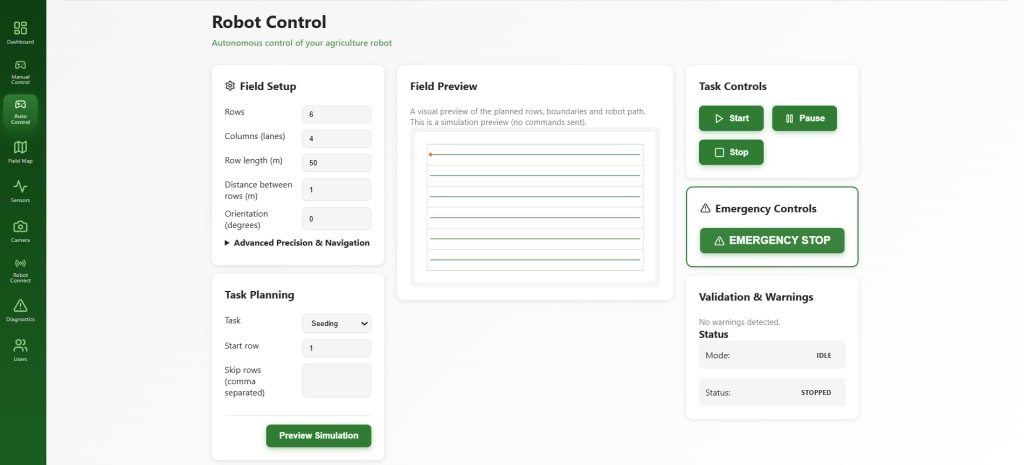
Auto Control
Auto Control enables autonomous operation of the robot. In this mode, the robot performs farming tasks based on programmed logic, sensor input, and intelligent algorithms without continuous human intervention.
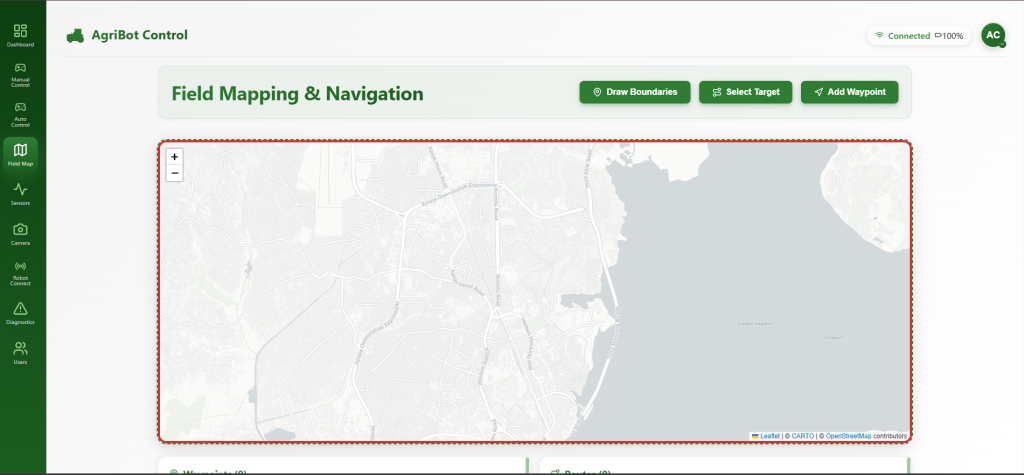
Field Map
The Field Map visualizes the farm area where the robot operates. It helps track the robot’s position, movement paths, and working zones, supporting precision agriculture and efficient field planning.
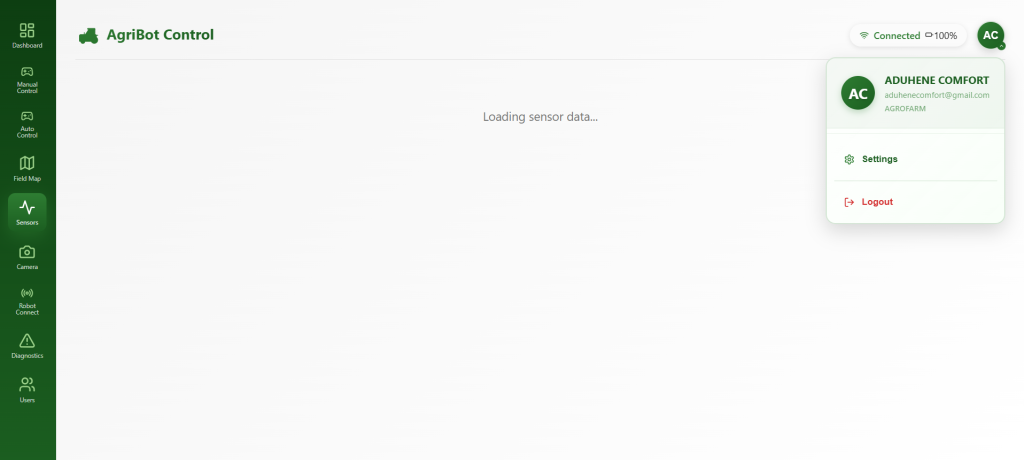
Sensors
The Sensors menu displays real-time data collected from the robot’s sensors, including soil conditions, distance measurements, and movement feedback. This information helps farmers and operators make data-driven decisions.
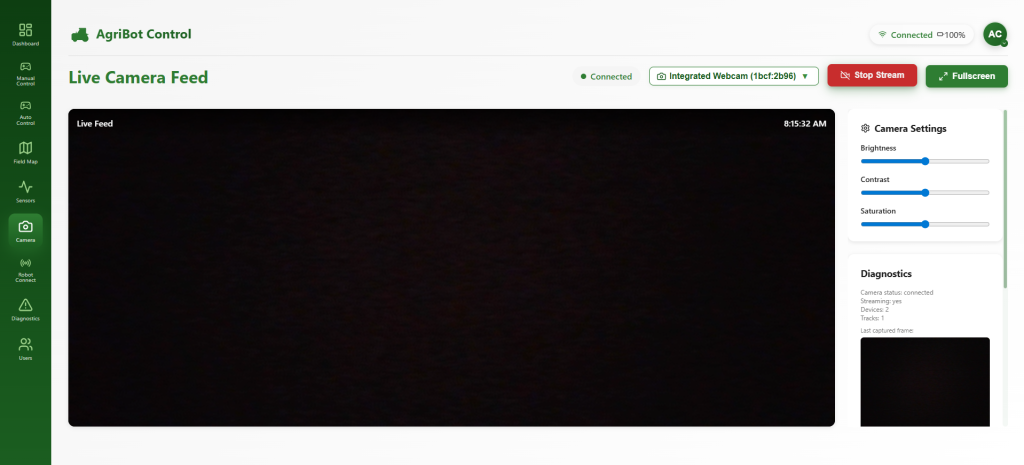
Camera
The Camera section provides live visual feedback from the robot’s onboard camera. It supports monitoring, navigation, crop observation, and future computer vision applications.
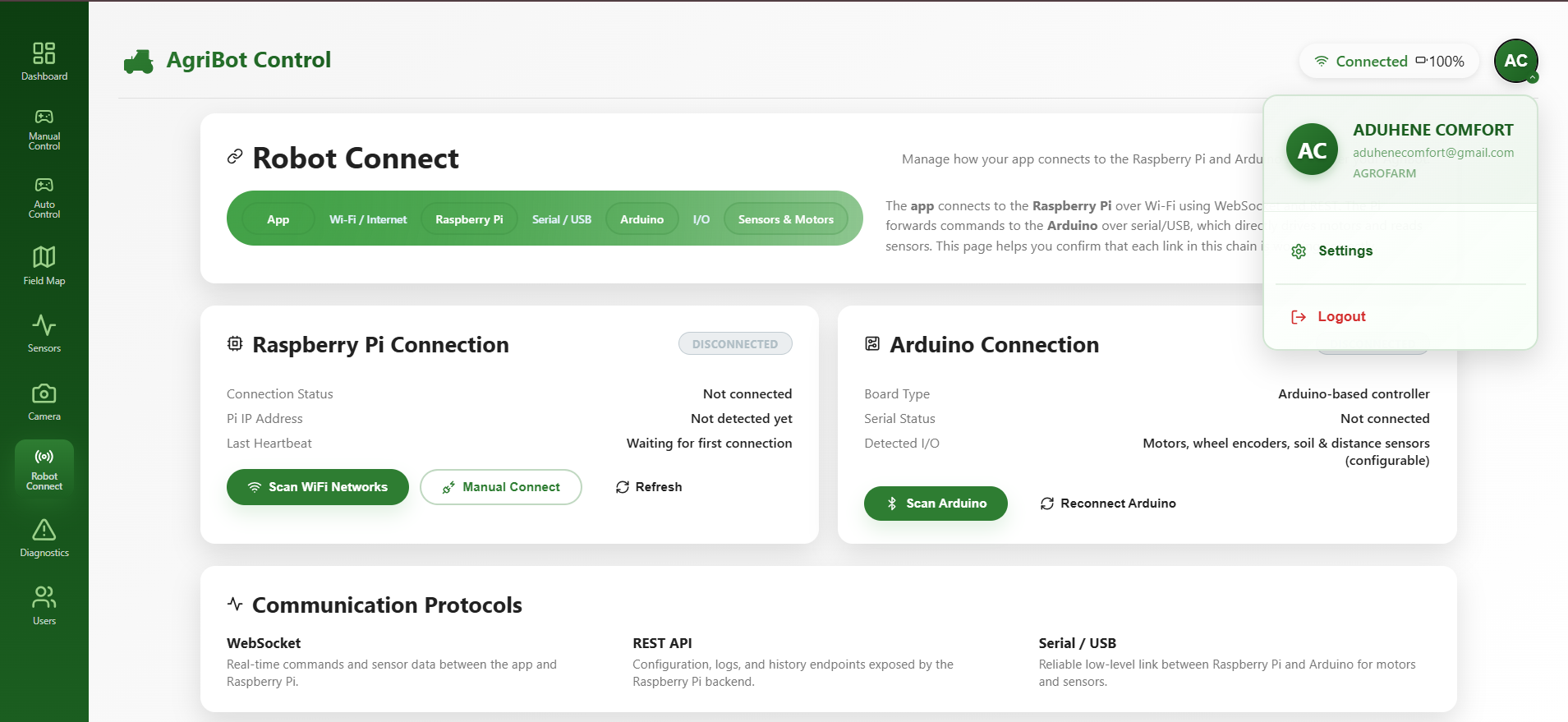
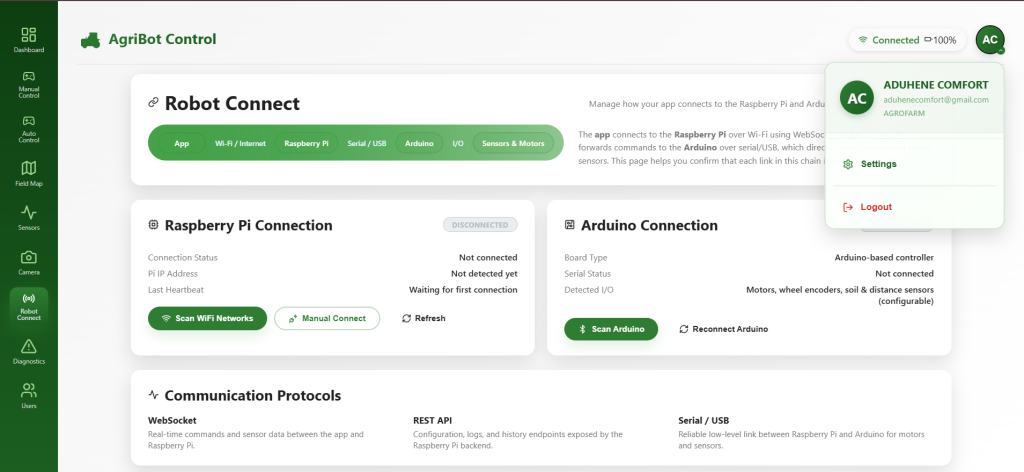
Robot Connect
Robot Connect manages all hardware and network connections. It controls communication between the application, Raspberry Pi, Arduino, motors, and sensors, ensuring reliable data flow and system coordination.
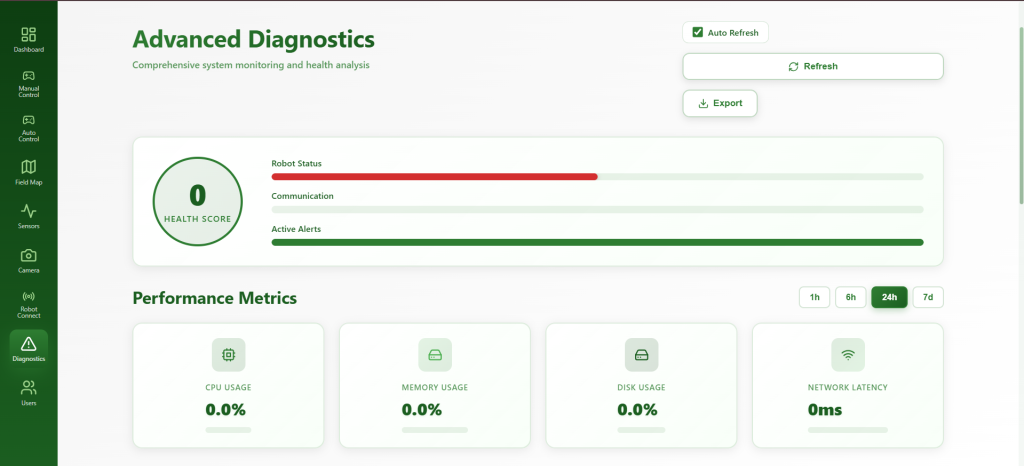
Diagnostics
Diagnostics is used for system testing and troubleshooting. It helps identify hardware issues, connection failures, and communication errors within the AgriBot system.
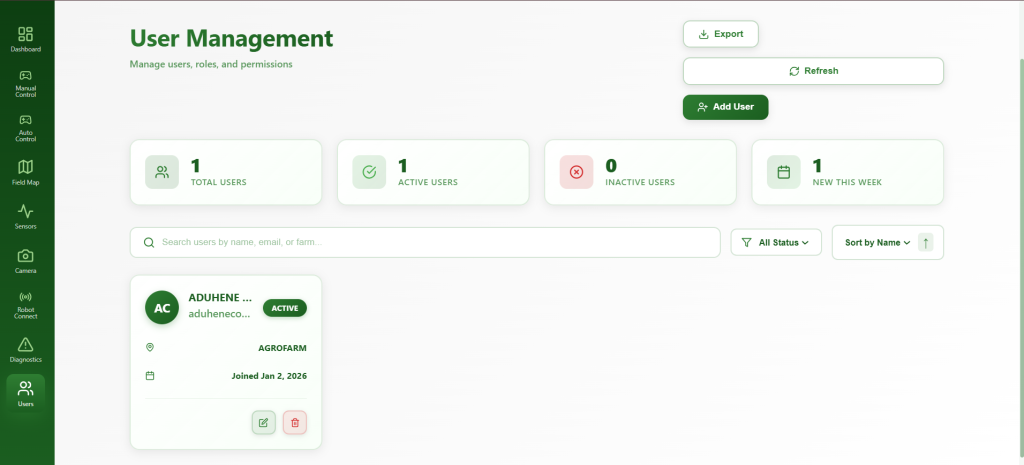
Users
The Users menu manages access and permissions within the application. It ensures secure usage by allowing only authorized individuals to monitor or control the robot.